Part Graphics Window Popup Submenus
Right-click in the graphics window to display the popup submenu. The popup submenu is context-sensitive; the options that appear depend on factors such as the currently open file type, element activation state and also whether specific entities have been picked prior to activating the submenu.
Note: If you right-click while a function is active, the Feature Guide will open, rather than the popup submenu.
The following basic popup menus are available when selecting:
No entities
If no entities are selected, the following popup will appear.
|
|
Sketcher |
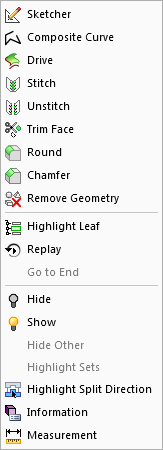
Face
If a face is selected, the available options change:
|
|
Sketcher |
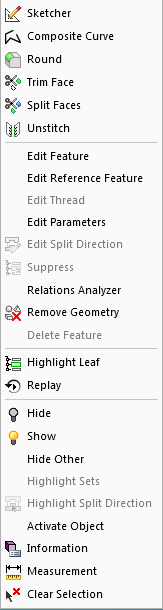
Composite Curve
If a Composite Curve is selected, the available options change:
|
|
|
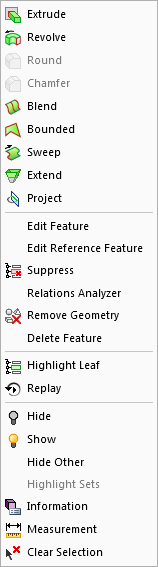
Object
|
|
|
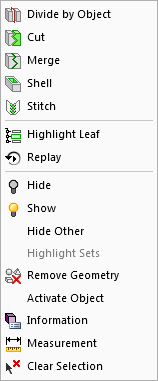
UCS
|
|
|
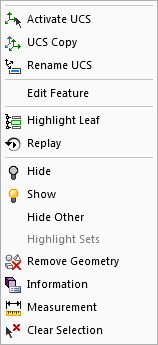
There are many more forms this popup submenu can take, depending on what is selected.
