DieQuote Explorer: Folder Tree
The Folders is the left pane of the DieQuote Explorer.
Explorer example:Explorer example:
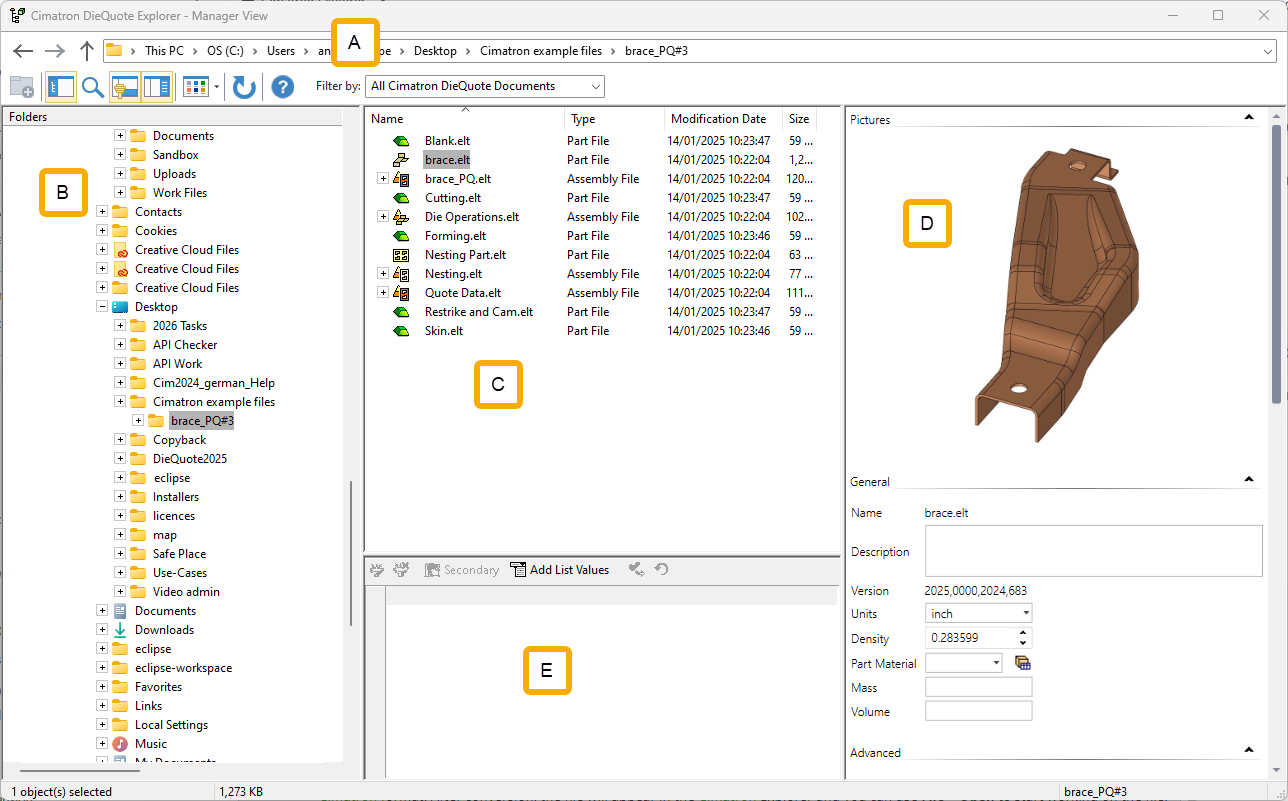
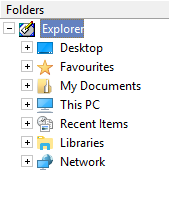
The Folders pane displays the following default folder structure:
|
|
All default folders are included for your convenience. For each of these folders, use the Filter to control the display of the folder contents. The Favorites folder contains any items that you wish to include in it. This is the same Favorites folder as appears in the Windows File Explorer. Unlike the Windows File Explorer where only folder shortcuts can be included in the Favorites folder, from the DieQuote Explorer, any folder or file can be copied to the Favorites folder. However, it is recommended that, from the DieQuote Explorer, you only add shortcuts to the Favorites folder. |
The Explorer does not display the following removable drives:
-
Disk Drive
-
Disk-on-Key
