Trim
Trim curves by geometry.
Trim one or more curves by point, curve, face, or datum plane.
General Interaction
The following image shows the Feature Guide.
|
|
Tip: You can open the Feature Guide at any time by right-clicking the mouse in the graphic display area.
|
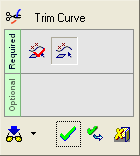
Required Step 1 
-
Pick a group of three curves shown below and <exit><exit>.
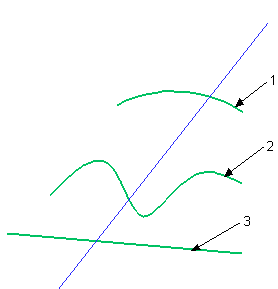
Required Step 2
-
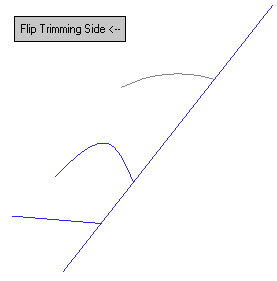
For the trimming entity, select the diagonal curve.
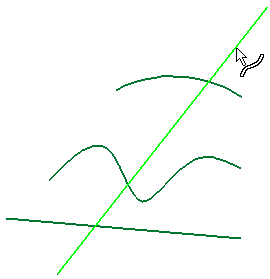
The curves are trimmed according.
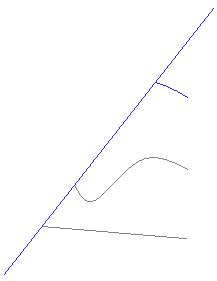
-
Click Flip Trimming Side to trim the curves by the opposite side of the trimming entity.
-
Click OKOK
 or ApplyApply
 in the Feature Guide to complete the function.
