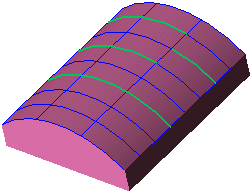
Split
Split curves by geometry.
Split one or more curves by a point, curve, face, or datum plane.
General Interaction
The following image shows the Feature Guide.
|
|
Tip: You can open the Feature Guide at any time by right-clicking the mouse in the graphic display area.
|
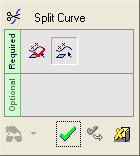
Required Step 1 
-
For the first group, select the four curves shown below. Press <exit><exit> to proceed to the next step.
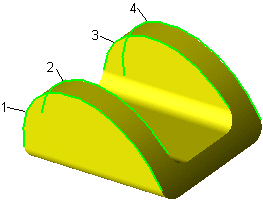
Required Step 2
-
For the splitting entity, select the datum plane.
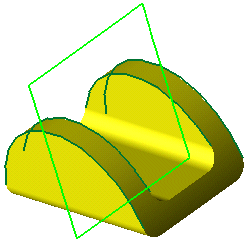
-
Click OKOK
 or ApplyApply
 in the Feature Guide to complete the function. Several curves are highlighted below to show that the each original curve was split into two curves.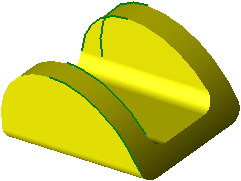
-
For different results, choose the horizontal plane as the splitting entity for Required Step 2.
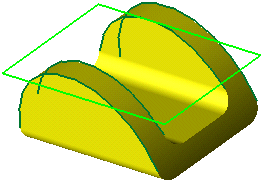
Each curve is now split into three separate curves.
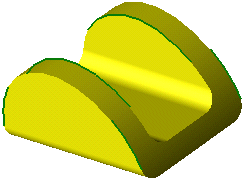
Example 2
Required Step 1
-
For the first group, select the 3 curves shown below. Click <Exit><Exit> to proceed to the next step.
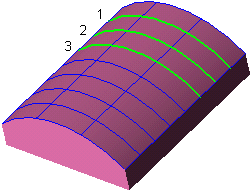
Required Step 2
-
For the splitting entity, select the curve.
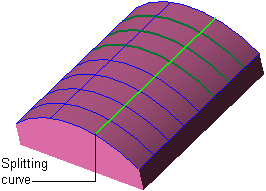
-
Click OKOK
or ApplyApply in the Feature Guide to complete the function.The curves selected in Step 1 are each split into two curves while the remaining curves are undivided.