Setting a Direction: Two Points 
Set a direction by indicating two points. The direction vector starts from the 1st point and proceeds toward the 2nd point.
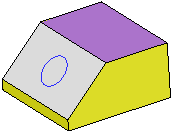
In the example below, the Add Extrude function is to be used to extrude the circle.
|
Extrude the circle. |
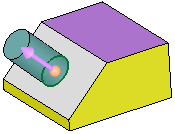
By default, the extrude direction is normal to the plane/face of the entity. |
To select another direction, select the arrow base. |
A toolbar of direction options is displayed. For this example, select the Two Points option |
|
|
|
|
|
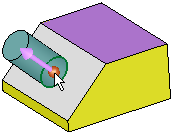

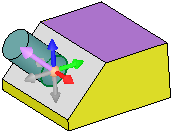
Pick two points that will define the extrude direction. The direction vector starts from the 1st point and proceeds toward the 2nd point. To flip the direction 180 degrees, select the arrow body (head or shaft).
|
First point: |
Second point: |
Result: |
|
|
|
|


