Setting a Direction: Normal to Screen 
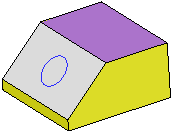
In the example below, the Add Extrude function is to be used to extrude the circle.
|
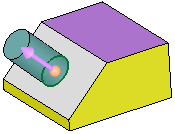
Extrude the circle. |
By default, the extrude direction is normal to the plane/face of the entity. |
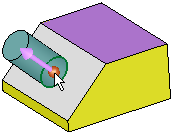
To select another direction, select the arrow base. |
A toolbar of direction options is displayed. For this example, select the Normal to Screen option |
|
|
|
|
|

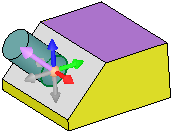
The extrude direction is now towards the screen. As the Normal to Screen direction may be difficult to see, rotate the part to view the extrude.
|
Result: |
Result - part rotated: |
|
|
|


