Measurement: Angles
Cimatron provides various combinations for measuring angles. Examples include the angles between the UCS to Axis, UCS to Plane, Plane to Plane, Axis to Axis, and so on.
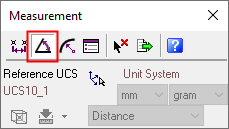
The Measurement dialog is displayed. Click the Angle  button.
|
|
When switching between measurement types, the system automatically displays the last measurement type in the current measuring session. For example, if you use the |
 (
( (
(
Some examples for measuring angles, described in this Help are displayed, as follows:
Measuring Face and Line Angles
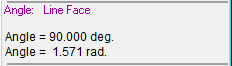
Select the required line and face. The system automatically measures and displays the angle between them, as shown below.
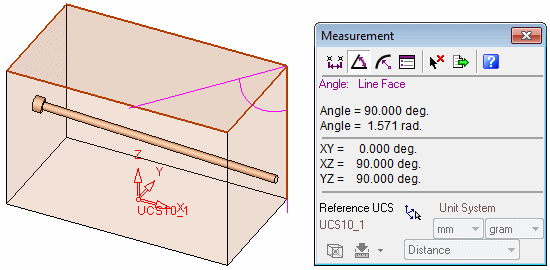
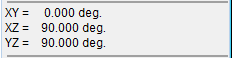
The Measurement dialog displays the following information:
|
|
Primary Data Area: |
|
|
Secondary Data Area: |
|
|
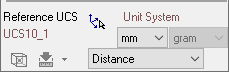
Advanced Area: When measuring angles the Advanced Area is disabled, apart from the Pick Reference UCS Note: Minimum Distance and Maximum Distance are not applicable in this case. |

Measuring Three Point Angles
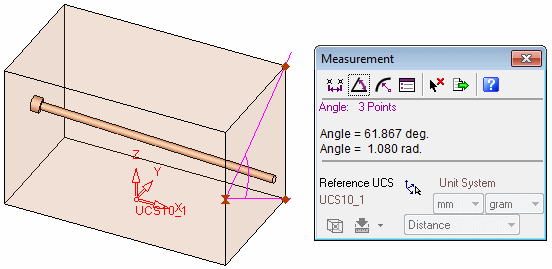
Select three points between which you want to measure the angle. The system automatically measures and displays the angle and radius between the three selected points.