Define Standard
Define the material standard (Generic, UNI, DIN, etc.).
Process
|
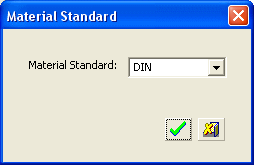
The following dialog is displayed: |
From the dropdown list, select the required Material Standard. |
|
|
|
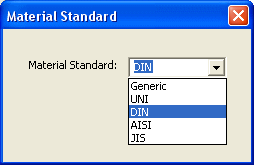
The standards displayed in this list appear in the file \Data\Die\Materials\Material_Conversion.csv under your DieQuote installation. You can view this file as required, but you should only make changes to this file using the Edit Database tool (do not edit the .csv file directly).
Click the appropriate approval option:
|
|
Accept the changes and exit the current dialog. |
|
|
Cancel the changes and exit the current dialog. |


