Round Corner
Round sharp corners of faces.
|
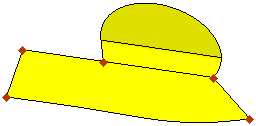
Before: Face with sharp corners selected |
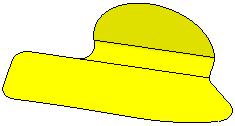
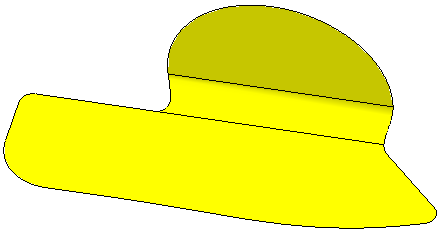
After: Sharp corners rounded |
|
|
|
General Interaction
The following is the Feature Guide for Round Corner.
|
|
Tip: You can open the Feature Guide at any time by right-clicking the mouse in the graphic display area. |
Required Step 1 
Pick the sharp corners on the face.
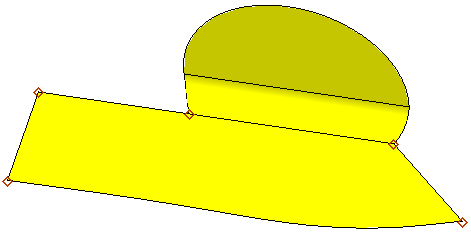
Drag a box to select the sharp corners on the face to which you want to perform the Round Corner operation and Exit.
The sharp corners are automatically selected, as shown below:
Required Step 2 
Define the radii values.
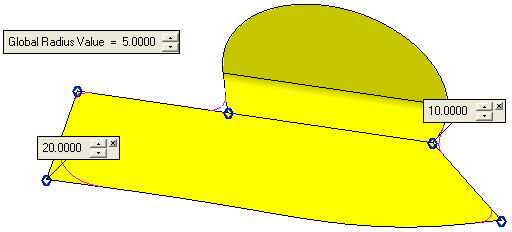
Each selected corner is marked with a blue circle that enables you to set a different radius value for a specific corner (see the Global Radius Value parameter explanation below).
The following parameter is displayed:
|
Global Radius Value |
Set a global radius value for all the sharp corners selected in Required Step 1. To set a radius value different from that of the Global Radius Value for a specific corner, click the blue circle on the appropriate corner to display a parameter label. Set the specific radius value for this corner in the displayed label, as shown below. Different radius values for multiple corners can be set in this way. |
Click OKOK or ApplyApply
 in the Feature Guide to complete the function.
