Delete Duplicate
The Delete Duplicate function enables you to remove duplicated curves and/or faces that have been picked. A group of entities can be picked using multi-pick. All duplicated entities are detected and removed (only one entity from the two or more duplicates remains). The entities being checked can have different attributes (color, pen, line font, etc.).
Notes:
-
Only full overlapping between two or more entities (within user defined tolerance) is detected.
-
Invisible entities (located on undisplayed sets or hidden entities) are not considered.
-
Face edges are ignored.
-
Composite curves and sketches are not considered for checking.
-
The default maximum distance deviation is 0.01 for mm files or 0.001 for inch files.
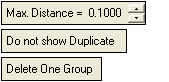
When Delete Duplicate is run, the following parameters are displayed:
Remove duplicated curves and faces
-
Click Max. Distance and enter a value. This value is the maximum deviation allowed between two entities in order for them to be considered duplicates.
-
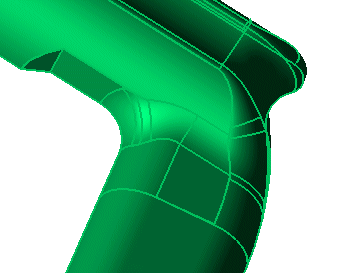
Click on the required entities to pick them.
-
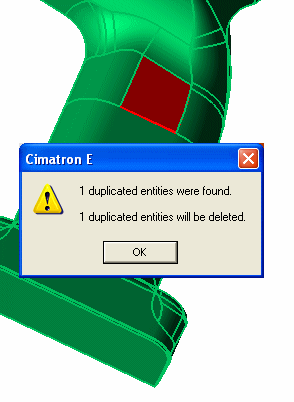
To view the number of duplicated entities, toggle Do Not Show Duplicate to Show Duplicate. A message is displayed showing how many entities were detected and whether they will be deleted or not.
Click OK. The duplicated entities appear in red.
-
Select one of the following toggle parameters:
|
Delete One Group |
Delete one of the duplicate entities. |
|
Delete Both Groups |
Delete both of the duplicate entities. |
-
Click OKOK
 or ApplyApply
 in the Feature Guide to complete the function. The duplicated entities are deleted.
